Let's talk about how we can support you on your eCommerce journey. Submit your details below and we will get back to you as soon as possible. No strings attached.
We speak
Thank you! Your submission has been received!
Oops! Something went wrong while submitting the form.
Thank you! Your submission has been received!
Oops! Something went wrong while submitting the form.
Introducing Automated Workflows: Letting your post-purchase logic run itself
May 20, 2026
Product News
Once a customer pays, the real complexity of retail begins. Cancellations, partial deliveries, refunds and unique edge cases often require manual decisions and hands-on actions. As an eCommerce business grows, manual operations slow your team down.
To address this operational friction, we are launching Automated Workflows, a new capability within Brink Order Management. This feature enables merchants to define exactly how orders should behave, without writing any custom code.
How automated workflows process orders
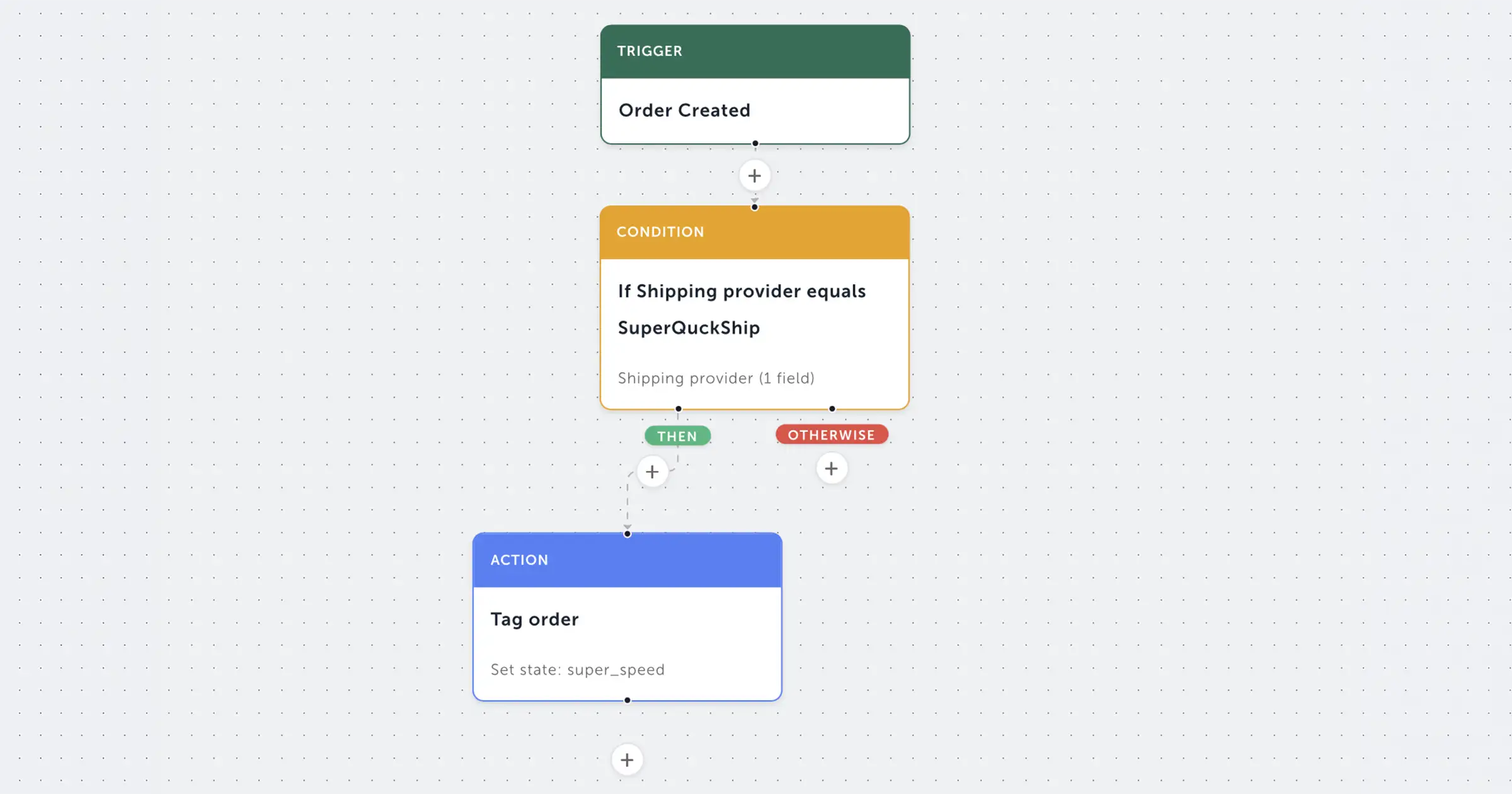
Automated Workflows lets you build business logic directly into your Order Management setup. When an order is created, the system evaluates it instantly. The workflow is structured around three core types of nodes, designed to handle routine decisions on their own:
Condition nodes: These check the properties of an order the moment it is created. You can automatically filter and route orders based on what is actually in them, such as order value, destination country, specific items, product tags, or order-line attributes. This eliminates manual triage at the warehouse or customer service desk.
Branch nodes: These evaluate multiple conditions in sequence. This enables complex "if this, then that, otherwise" logic without engineering involvement. A single workflow can evaluate different rules in order, routing many different order types correctly.
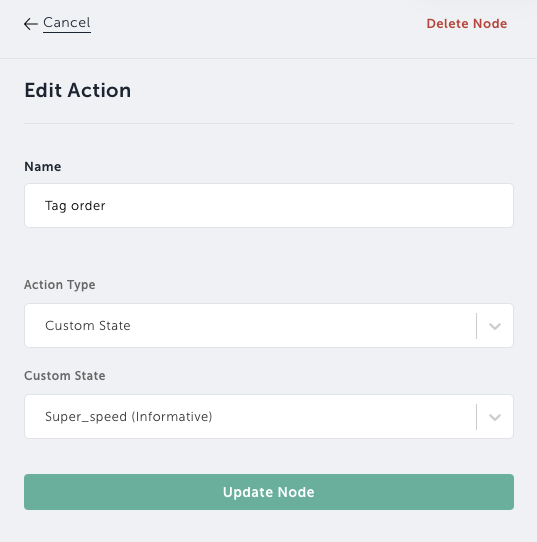
Action nodes: These perform the operational outcome of the workflow. An action node can trigger a delivery, initiate a cancellation, or apply a custom state to the order. Routine post-order actions happen instantly, without anyone needing to log in and press a button.
This removes the manual step between checkout and fulfilment. Your customer service and warehouse teams are no longer bottlenecked. Instead, routine decisions happen in the background, allowing your people to focus on exceptions.
How automated workflows work in practice
To show how these logical nodes translate into everyday business value, here are several common ways merchants are currently using automated workflows to streamline operations:
Automatic delivery for intangible products: Not every order requires a box to leave a warehouse. For orders containing, for example, gift card codes, a workflow can recognise them at checkout and trigger delivery immediately, getting the code to the customer without any warehouse involvement. Orders that are entirely digital, identified by product tags or order-line attributes, can be handled the same way.
Country-based routing: Global commerce requires flexible logistics. A workflow can inspect the shipping address country on an order and apply a custom state that tags the order for the right fulfilment path. Your downstream apps and warehouse systems can then act on that tag, prioritising Swedish orders through your Stockholm facility and German orders through your Berlin hub, optimising shipping times across multiple inventory locations.
High-value order flagging: Large transactions carry higher financial risks. A condition node can check the order total, then apply a blocking custom state to any purchase above a specific threshold (such as £1,000). This pauses the order automatically for manual review before any automated fulfilment action runs.
Cancellation of incomplete B2B orders: B2B sales often require strict compliance details, such as corporate tax registration IDs. If an inbound B2B order is missing the required order-line attributes or address fields, the workflow can identify the gap and trigger a cancellation automatically, rather than letting the invalid order sit unactioned in your queue.
Synchronous fraud screening at checkout: Fraud signals often live in external systems. A workflow can call your fraud provider directly at order creation through a custom HTTP condition, and if the provider returns a risk signal, the workflow applies a blocking custom state to the order. The order is held safely in the queue until a human clears the flag, preventing any delivery action from firing in the meantime.
Combining workflows with custom states for deeper control
By combining Automated Workflows with our customisable order states, merchants can unlock advanced operational orchestration. This combination bridges the gap between pure automation and human judgment, ensuring automation never runs ahead of your team's judgment:
Human-in-the-loop approval: You can configure a workflow to automatically apply a blocking custom state to every order above a certain commercial threshold. The order pauses safely in the queue. A manager reviews the flagged transaction in the Merchant Portal and removes the blocking state. From that point on, the order is free to move through your normal fulfilment process, giving you a secure human checkpoint built directly into a fully automated pipeline.
VIP order handling: Automation can also improve how your team handles VIP customers. Orders originating from a high-tier customer segment can be routed to apply an informative custom state labeled "VIP" or similar, which your downstream apps can pick up to prioritise fulfilment from your fastest inventory location. This informative state is also clearly visible to your customer service team in the Merchant Portal, telling them exactly how to treat any inbound customer enquiries.
Market compliance gating: Expanding internationally means dealing with varying local regulations. Orders destined for countries with strict customs or tax laws can be held via a blocking custom state until local compliance details are verified. Once your operations team clears the state in the Merchant Portal, the order is released and fulfilment continues.
Phased rollout control: During a new market or brand launch, you might want to review early orders before they ship. By configuring a workflow to apply a blocking custom state to all new launch orders by default, you can verify your configuration during the initial hours of operation. Once you are confident, your operations team can clear the blocking state from held orders in the Merchant Portal, letting fulfilment resume.
Visibility and control for live operations
When you manage high order volumes across multiple international markets, manual overhead adds up fast. Intricate routing rules and multiple inventory locations can make operations fragile. Automated Workflows removes this complexity by offering built-in safeguards.
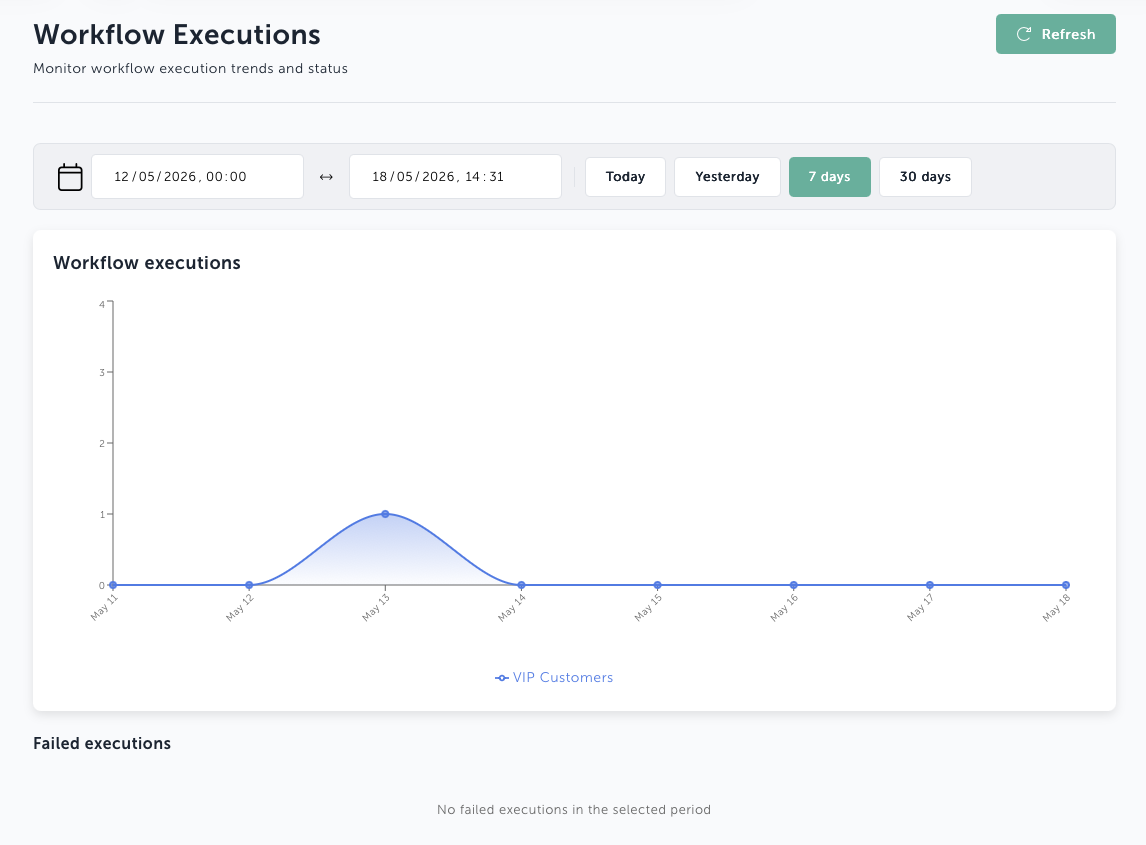
Executions: Each time a workflow runs for a specific order, it creates a dedicated execution. This tracks exactly which nodes were evaluated, what the outcomes were, and whether any async actions are still pending. This gives your operations team complete visibility into what your automation did and why, for every single order.
Retry on failure: When an execution fails due to a transient error, such as a slow third-party shipping provider or a temporary network timeout, an administrator can retry it from the Merchant Portal. The system recovers gracefully without your team needing to rebuild the order state from scratch.
Manual execution: Workflows are not locked into automatic triggers. You can trigger them manually to test new logic against specific orders, or to handle unique exceptions outside the normal flow.
Versioning with checksum: Every workflow revision is tracked, and changes are detected automatically. You can publish a new version safely without disrupting the executions already in flight on existing orders.
Operational control within the Merchant Portal
Workflow definitions are managed and monitored directly within the Merchant Portal, allowing operations or product teams to adapt business logic without engineering support. This gives you the flexibility to adjust your setup instantly as your market demands evolve.
More trigger types are on the roadmap, so workflows will soon respond to a wider range of order events beyond order creation.
Automated Workflows is available as an add-on today. Speak to us to learn more.
About Brink Commerce
Founded in 2020 by Kristian Tysander, Marcus Ljungberg, and Patrik Antonsson, Brink Commerce offers a modern eCommerce platform built for forward-looking merchants and retailers. Designed to support fast growth and constant change, it enables seamless customer experiences, operational efficiency, and global scalability.
More Information
For more information or media querys, please contact Petter Johansson, CMO